

Workspace
Ez a tartalom még nem érhető el a jelenlegi nyelven.
To make submissions available on your Discord bot using BotWiz, follow these steps to set up the endpoint:
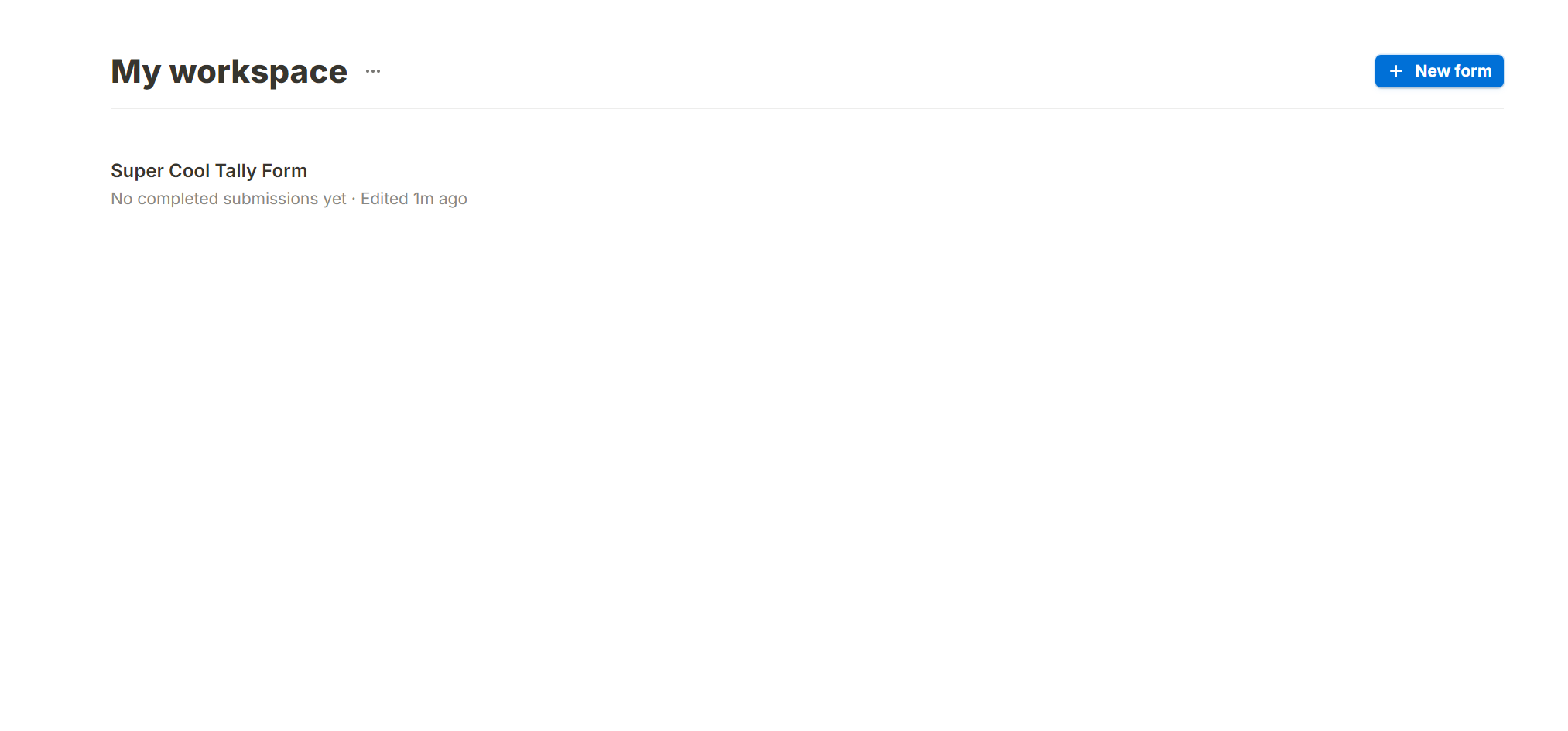
Go to tally.so and select thee Form that you want to receive the submissions of.
Workspace
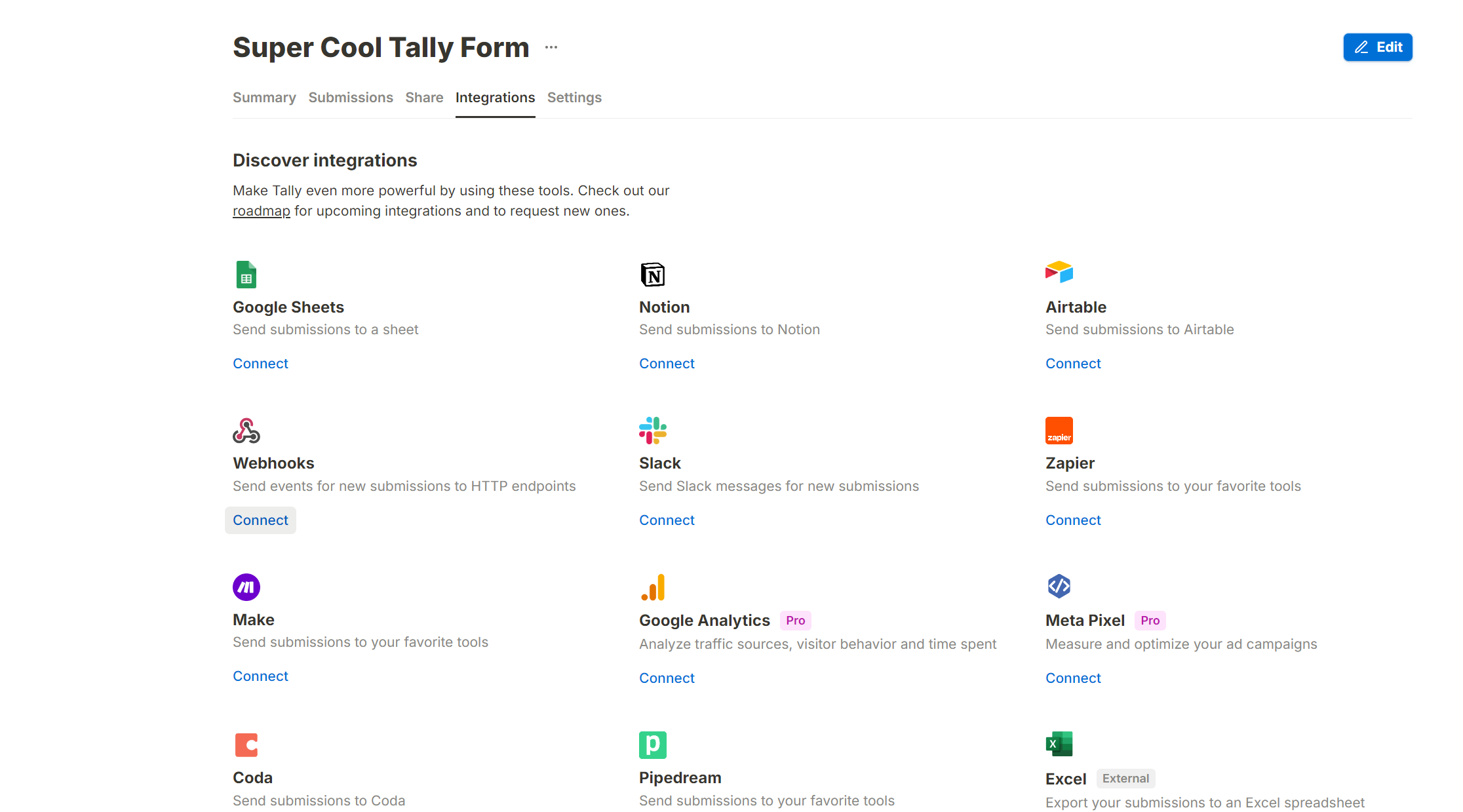
Head over to the Integrations Tab and search for the ‘Webhooks’ Integration.
Intergrations
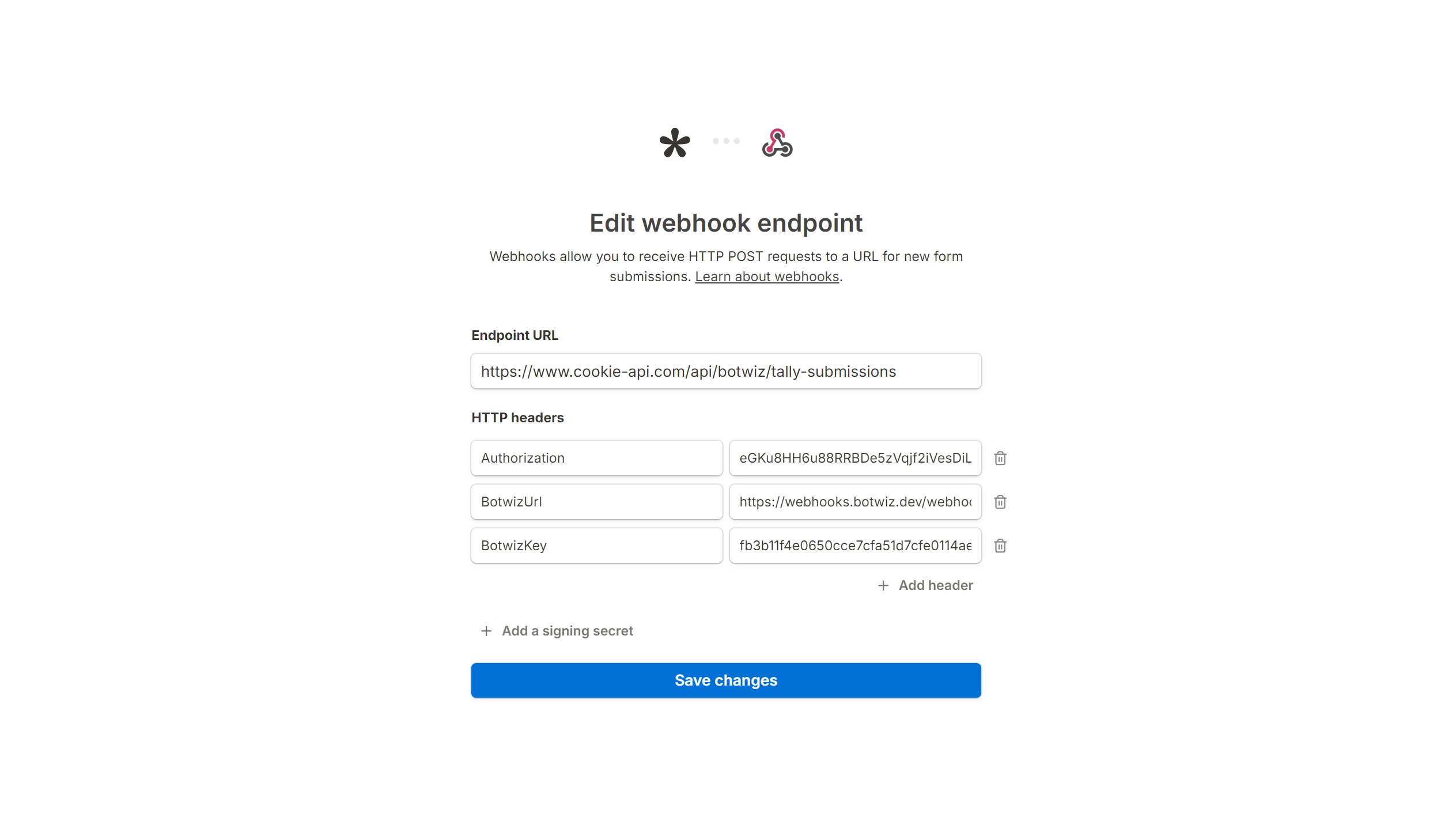
Now in the Webhooks Tab you will find the Endpoint URL Field. There you have to enter: https://api.cookie-api.com/api/botwiz/tally-submissions
Next click on ‘Add HTTP headers’ and then add 2 more HTTP headers by clicking ‘Add headers’ 2 times. Enter the following HTTP headers:
| Name | Value |
|---|---|
| Authorization | Your API Key |
| BotwizUrl | Your BotWiz Webhook URL |
| BotwizKey | Your BotWiz Webhook API Key |
Once you have done that, click on ‘Connect’
Webhook
These Variables are available in every Submission:
| Name | Variable | Description |
|---|---|---|
| Event ID | {interaction\[eventId]} | ID of the Webhook Event |
| Event Type | {interaction\[eventType]} | Type of the Event |
| Created At | {interaction\[createdAt]} | ISO Timestamp of the submission |
| Response ID | {interaction\[responseId]} | Response ID |
| Submission ID | {interaction\[submissionId]} | Submission ID |
| Respondent ID | {interaction\[respondentId]} | Respondent ID |
| Form ID | {interaction\[formId]} | ID of the Form |
| Form Name | {interaction\[formName]} | Name of the Form |
The following variables are applicable only to these element types:
| Name | Variable | Description |
|---|---|---|
| Element Type | {interaction\[question1.type]} | Type of the Element |
| Element Label | {question1.label]} | Label (Name) of the Element |
| Element Value | {question1.value]} | Value of the Element |
| Element Key | {question1.key]} | Key of the Element |
The following variables are applicable only to these element types:
| Name | Variable | Description |
|---|---|---|
| Element Type | {question1.type} | Type of the Element |
| Element Label | {question1.label} | Label (Name) of the Element |
| Element Key | {question1.key} | Key of the Element |
| Element Values (ID) | {question1.value.id} | Value ID’s of the Element |
| Element Values (Text) | {question1.value.text} | Values of the Element as Text |
| Element Options (ID) | {question1.options.id} | Option ID’s of the Element |
| Element Options (Text) | {question1.options.text} | Options of the Element as Text |
The following variables are applicable only to these element types:
| Name | Variable | Description |
|---|---|---|
| Element Type | {question1.type} | Type of the Element |
| Element Label | {question1.label} | Label (Name) of the Element |
| Element Value | {question1.value} | Value of the Element |
| Element Key | {question1.key} | Key of the Element |
| File Name | {question1.value.name} | Name of the File |
| File URL | {question1.value.url} | URL of the File |
| File Size | {question1.value.size} | Size of the File |
| File Type | {question1.value.mimeType} | Type of the File |
This Endpoint doesn’t support the following Element Types: