

Verify your user's Minecraft accounts
Ta treść nie jest jeszcze dostępna w Twoim języku.
Returns the information about a verified user
https://api.cookie-api.com/api/minecraft/get-user| Parameter | Type | Required | Description |
|---|---|---|---|
code | string | Yes | The verification code received by the user |
curl --location 'https://api.cookie-api.com/api/minecraft/get-user?code=12345' \--header 'Authorization: API_Key'import requests
url = 'https://api.cookie-api.com/api/minecraft/get-user'params = { 'code': '12345'}headers = { 'Authorization': 'API_Key'}
response = requests.get(url, headers=headers, params=params)print(response.json())const fetch = require('node-fetch');
const url = 'https://api.cookie-api.com/api/minecraft/get-user?code=12345';const headers = { 'Authorization': 'API_Key'};
fetch(url, { method: 'GET', headers }) .then(response => response.json()) .then(data => console.log(data)) .catch(error => console.error('Error:', error));package main
import ( "fmt" "log" "net/http" "io/ioutil")
func main() { url := "https://api.cookie-api.com/api/minecraft/get-user?code=12345"
req, err := http.NewRequest("GET", url, nil) if err != nil { log.Fatal(err) } req.Header.Set("Authorization", "API_Key")
client := &http.Client{} resp, err := client.Do(req) if err != nil { log.Fatal(err) } defer resp.Body.Close()
body, err := ioutil.ReadAll(resp.Body) if err != nil { log.Fatal(err) }
fmt.Println(string(body))}const https = require('https');
const options = { hostname: 'api.cookie-api.com', path: '/api/minecraft/get-user?code=12345', method: 'GET', headers: { 'Authorization': 'API_Key' }};
const req = https.request(options, res => { let data = '';
res.on('data', chunk => { data += chunk; });
res.on('end', () => { console.log(JSON.parse(data)); });});
req.on('error', error => { console.error(error);});
req.end();require 'net/http'require 'json'require 'uri'
url = URI.parse('https://api.cookie-api.com/api/minecraft/get-user?code=12345')request = Net::HTTP::Get.new(url)request['Authorization'] = 'API_Key'
response = Net::HTTP.start(url.hostname, url.port, use_ssl: true) do |http| http.request(request)end
puts JSON.parse(response.body)use reqwest::blocking::Client;use reqwest::header::HeaderMap;use serde_json::Value;
fn main() { let url = "https://api.cookie-api.com/api/minecraft/get-user?code=12345";
let client = Client::new(); let mut headers = HeaderMap::new(); headers.insert("Authorization", "API_Key".parse().unwrap());
let res = client.get(url) .headers(headers) .send() .unwrap();
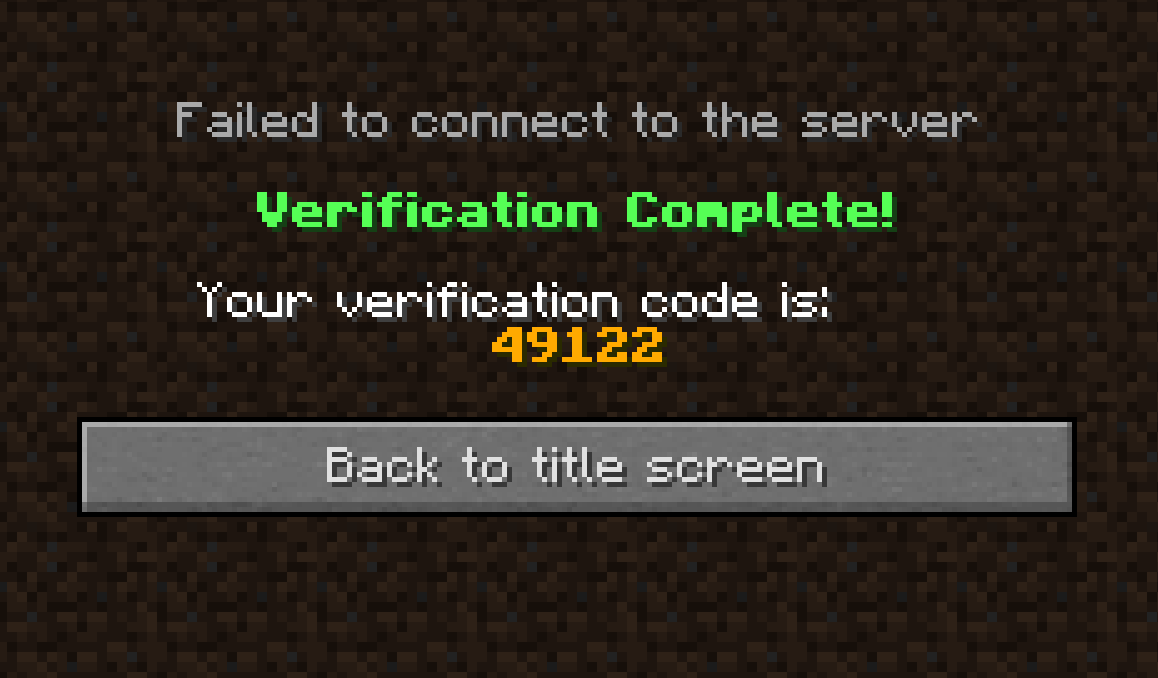
let body: Value = res.json().unwrap(); println!("{:?}", body);}{ "edition": "JAVA", "player_id": "1d25b1dc57e14bb9bd93f574f75cb4d0", "player_name": "The_Tea_Cookie", "success": true, "verified_at": "1767708346", "errors": [], "messages": []}The user can join via verify.cookie-api.com or mc.cookie-api.com. (Both have a different connection logic. If you are having problems, try the other of the 2 domains.)
Once the user has joined the they will see their verification code both in the Chat and in a Book (opened by default):
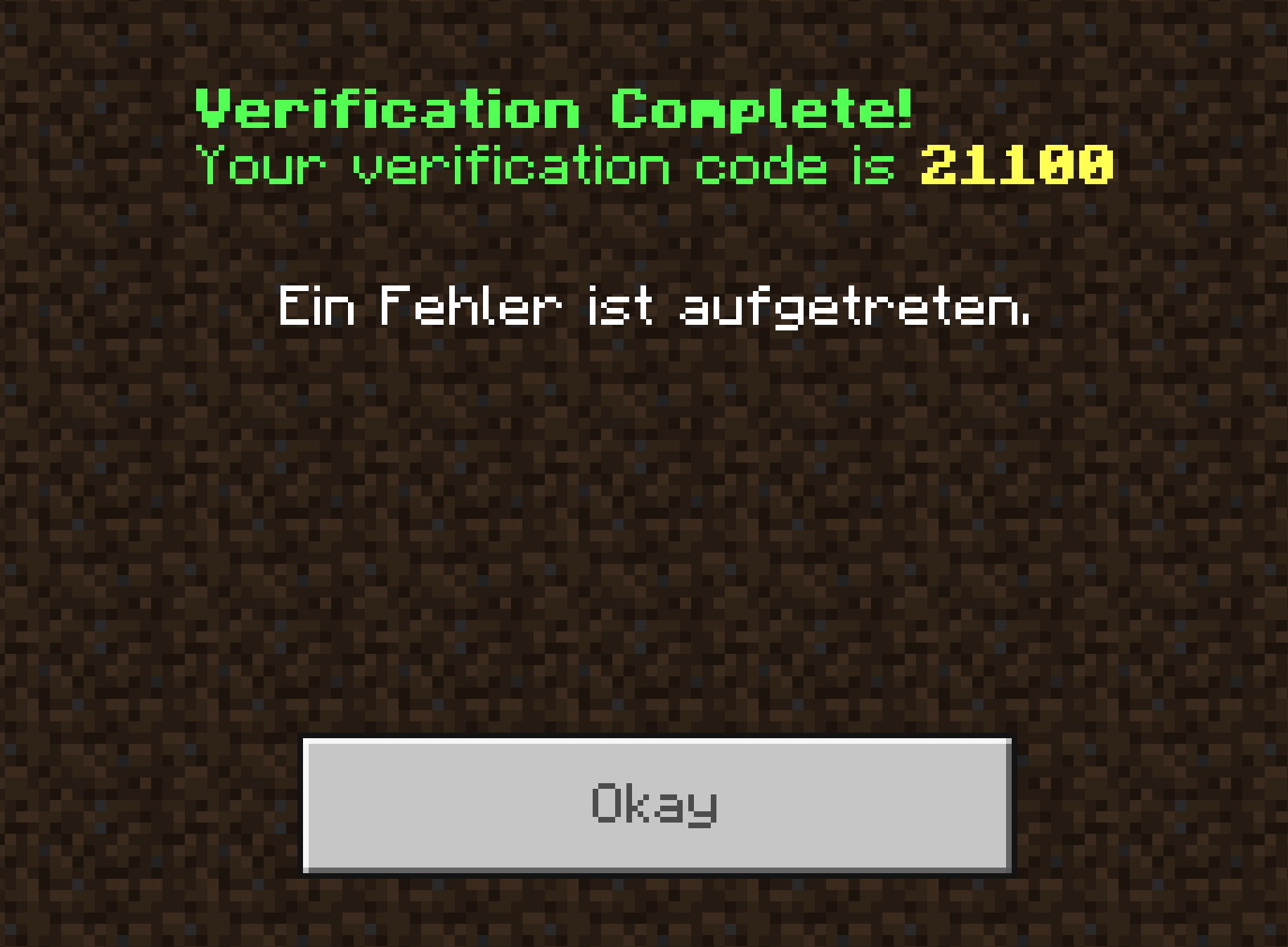
You can now take the endpoint from above and provide it the code that you/the user recieved. That Endpoint will then return Information about the user.